Not every document needs a full template workflow. Sometimes you just need to send a document for eSigning today, and you need it back signed.
That is exactly what Just eSign is built for, and it has just had a significant upgrade.
Why it is hard to send a document for eSigning without a template
Most of your paperwork is predictable. Terms of business, privacy notices and disclosure documents all go out regularly, so it makes sense to build them as templates and generate them in seconds. The trouble is everything else: the side letter, the lender’s own form, the NDA a client has sent over in their format. Building a template for a document you will use once is rarely worth the effort.
So people fall back on old habits when they need to send a document for eSigning at short notice. Print it, sign it, scan it, email it back. Or they reach for a free PDF tool that pastes an image of a signature onto the page with no timestamp and no record of who actually signed. The deal slows down, and your compliance trail has a gap in it at exactly the point you can least afford one.
There is a second problem too. A one-off document rarely needs a signature and nothing else. It might need a date, a registered address, a facility amount, a tick box or a witness. If your signing tool only handles signatures, somebody has to complete the rest by hand before it goes out, which brings back the typos and the delays you were trying to avoid in the first place.
What has changed in the update
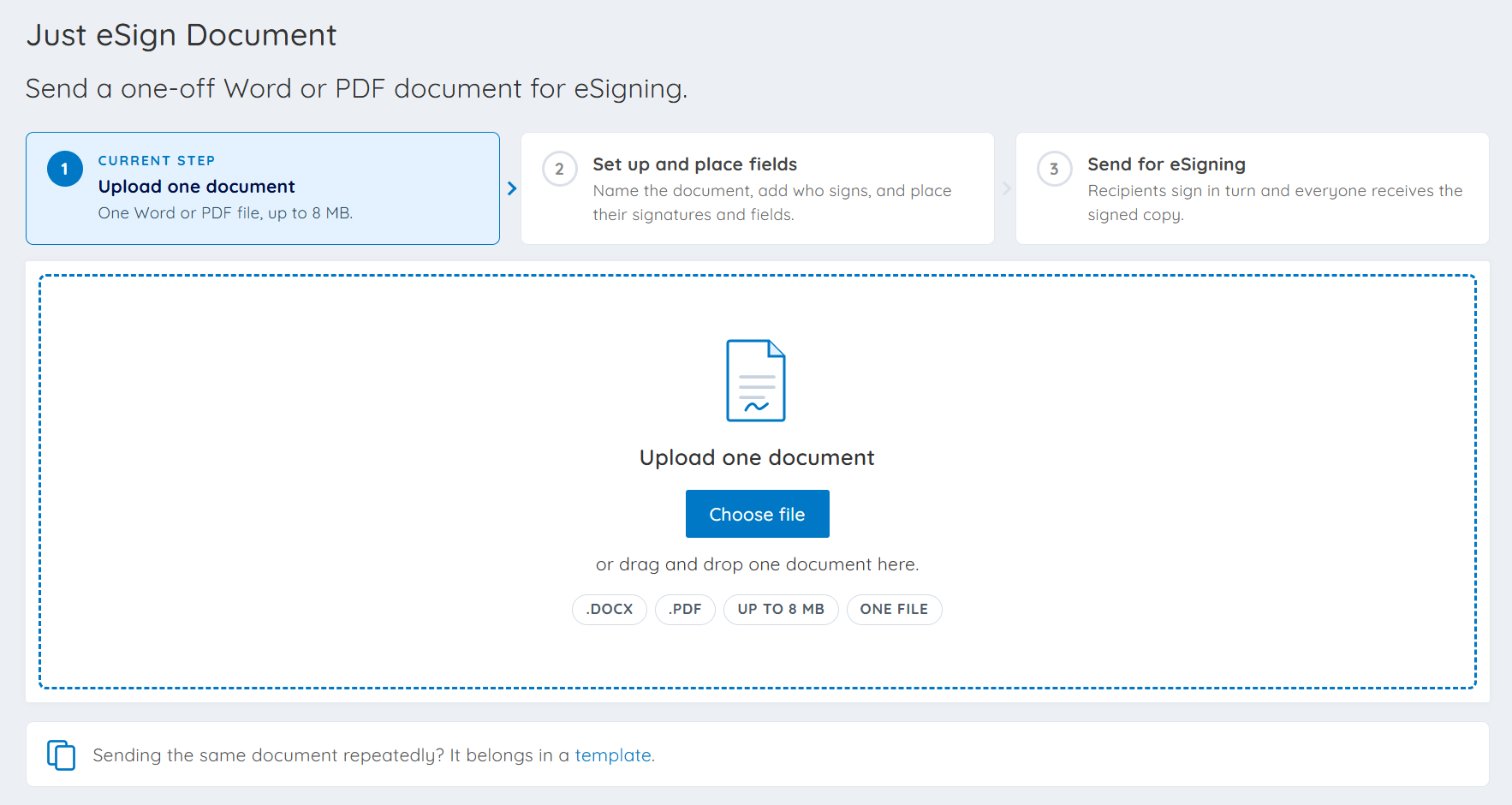
Just eSign has always been the fastest route from a finished document to a signed one. Upload your document, place your fields, and send it straight out. The update makes that process far more capable. You now decide who signs and what each person needs to complete, so a document involving several parties with different responsibilities can still go out in a single send.
The bigger change is the range of fields available. Just eSign now supports:
- Text boxes
- Multiline text boxes
- Email addresses
- Addresses with auto-lookup
- Dates
- Numbers
- Check boxes
- Witnesses
- And of course, signatures
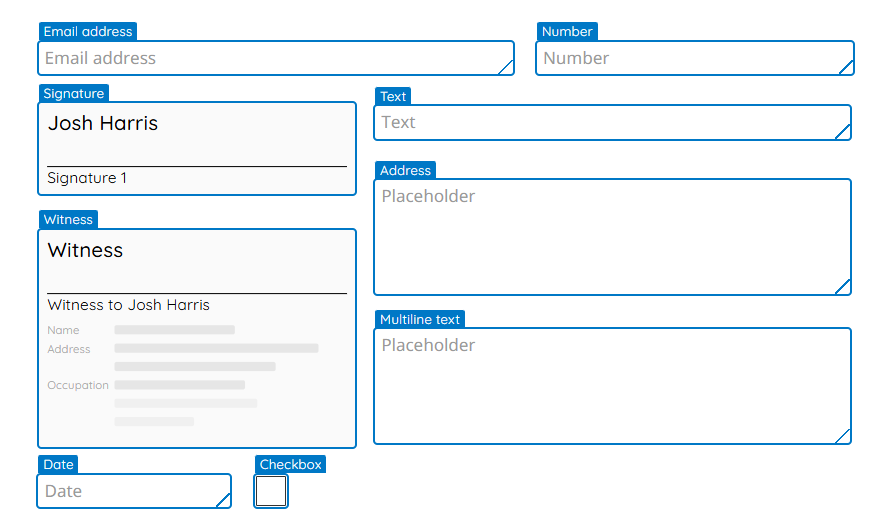
Witnesses are worth calling out in particular. Documents signed as deeds no longer need to sit outside your Just eSign workflow, and the address auto-lookup means registered office details are pulled in accurately rather than typed from memory. It is worth noting that the Law Commission’s position on electronic execution still requires a witness to be physically present with the signatory when a deed is signed.
None of this sits outside your usual process. Every Just eSign send carries the same Audit Logs and compliance trail as the rest of the platform, so you can see who opened the document, when they opened it and when they signed. A one-off document no longer means a one-off standard.
Send a document for eSigning today
If you already use Doc2, the upgraded Just eSign is waiting for you in the platform. Find that document that has been sitting in your inbox all week and see how quickly it comes back signed.
Not a Doc2 customer yet? Find out below how Just eSign works alongside templates, IDV+AML checks and your CRM to keep every document moving.